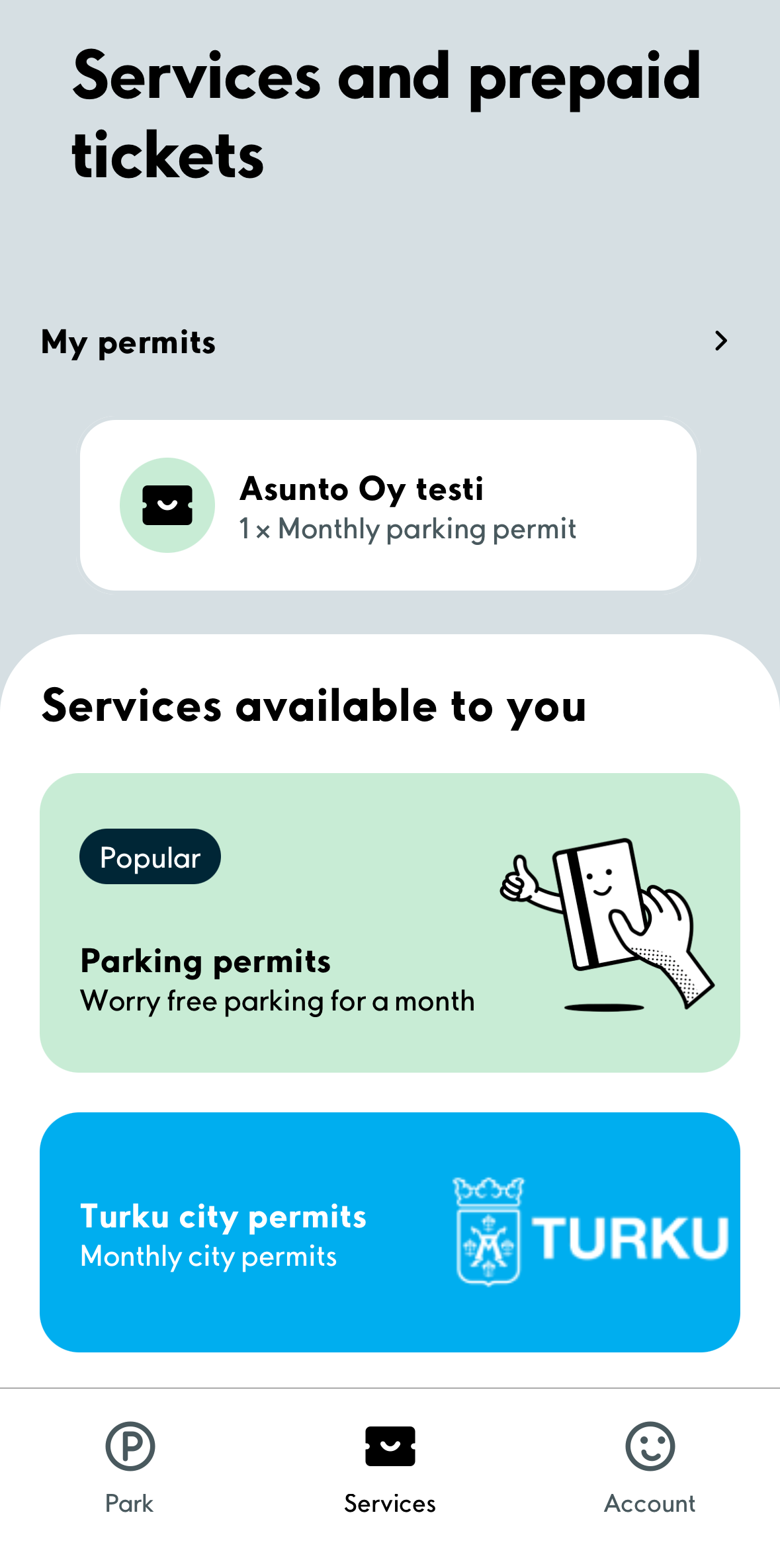
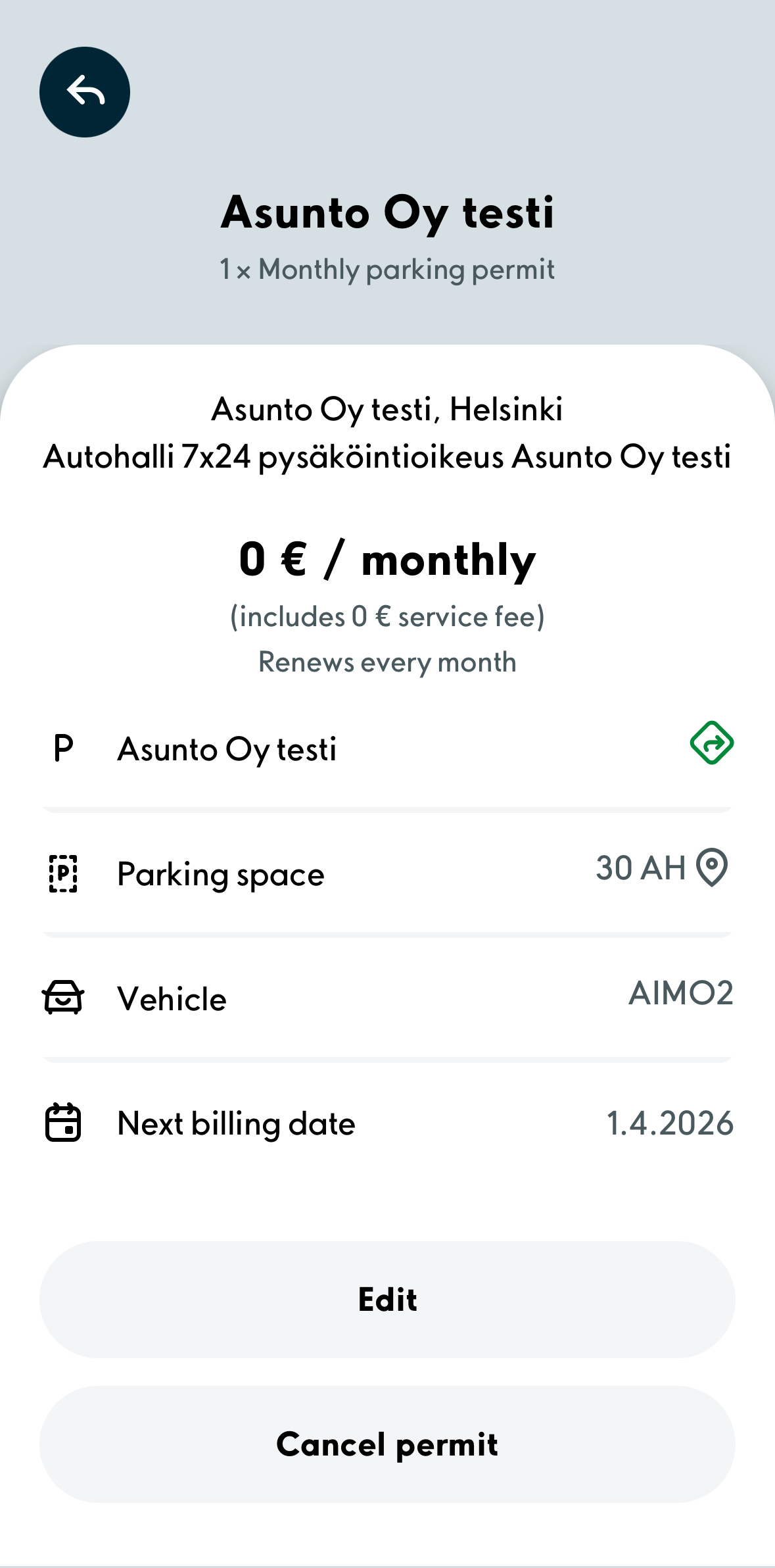
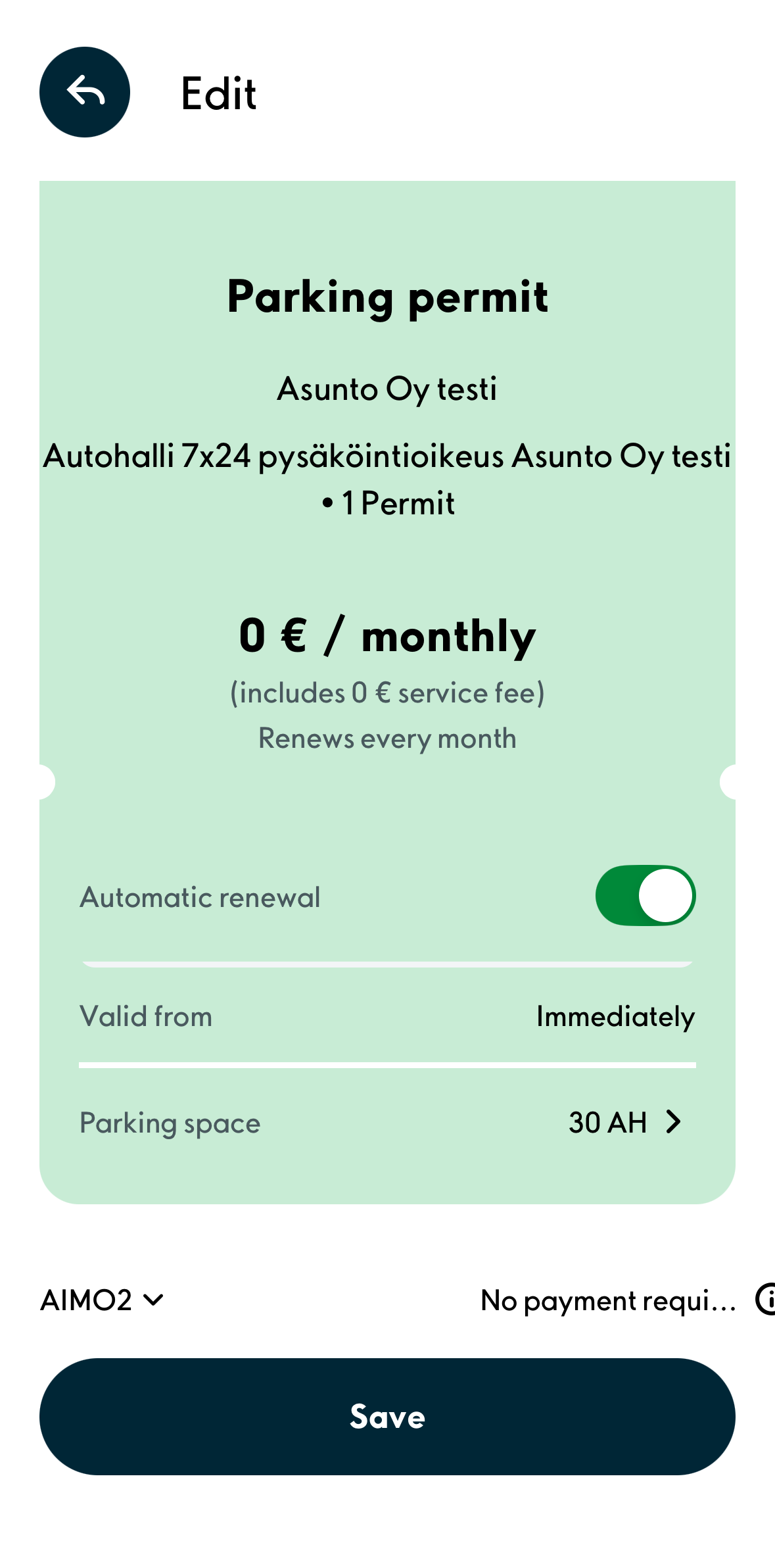
1. In the application’s ”Services” window, select your permit from the ”My permits” section and click the “Edit” button.
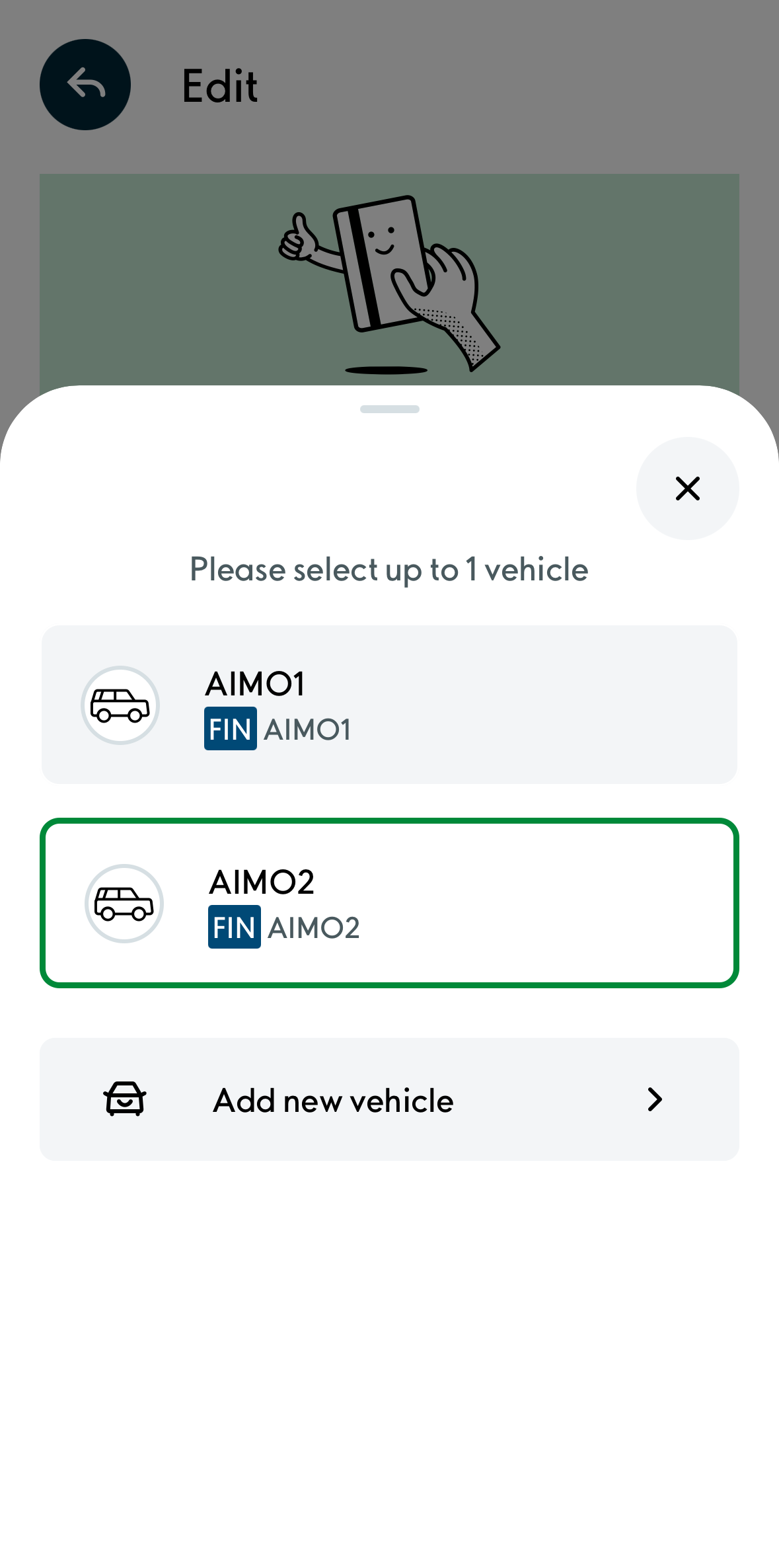
2. Click the license plate number in the bottom left corner and select the desired license plate from the opened menu or add a new license plate by clicking the ”Add new vehicle” button.
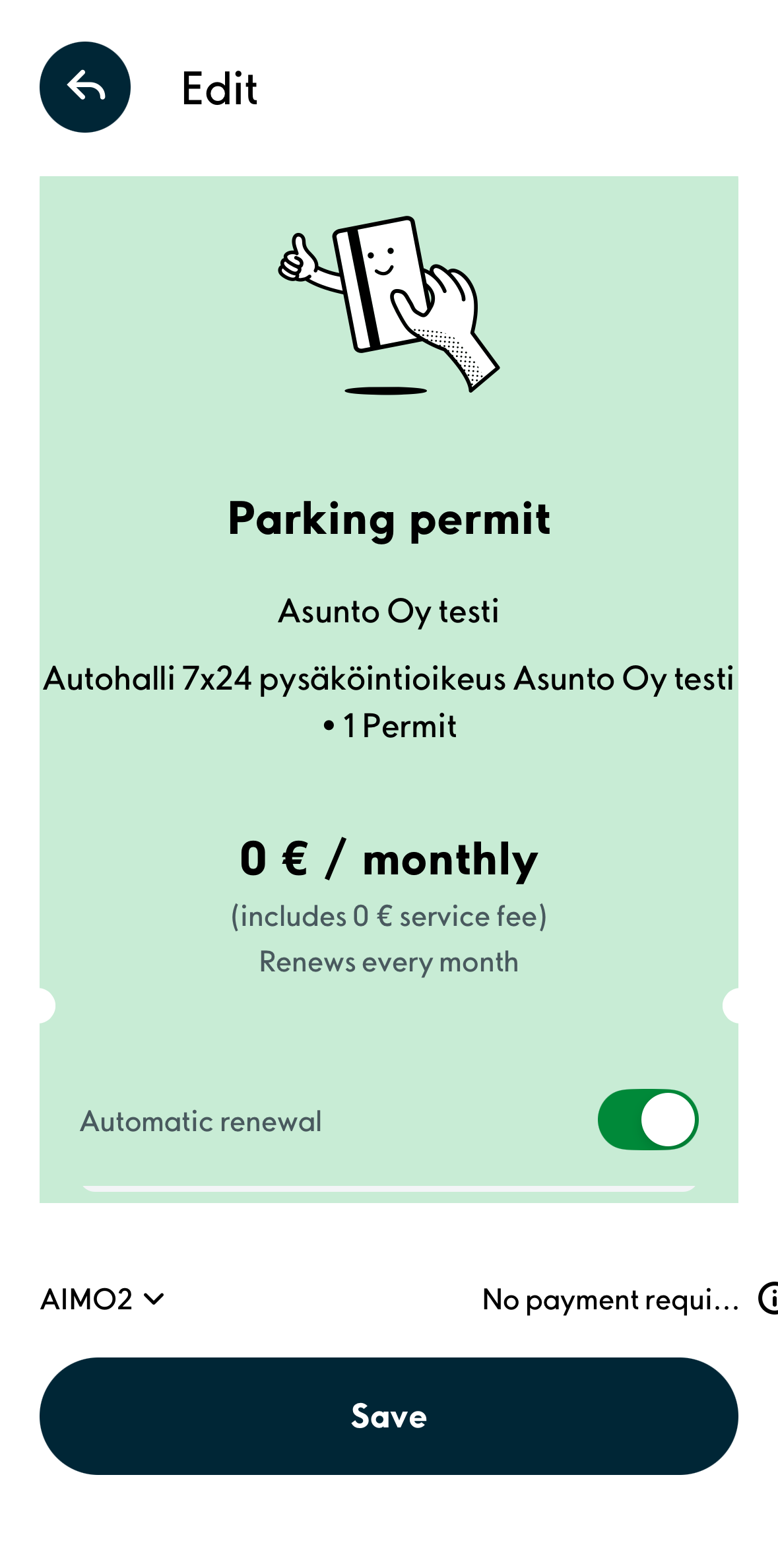
3. Remember to save the performed changes by clicking the ”Save” button.
Was this article helpful?
That’s Great!
Thank you for your feedback
Sorry! We couldn't be helpful
Thank you for your feedback
Feedback sent
We appreciate your effort and will try to fix the article