1. Log in to the Aimo app with your account.
You will find the failed payments Account > Parking & Charging > Failed payments
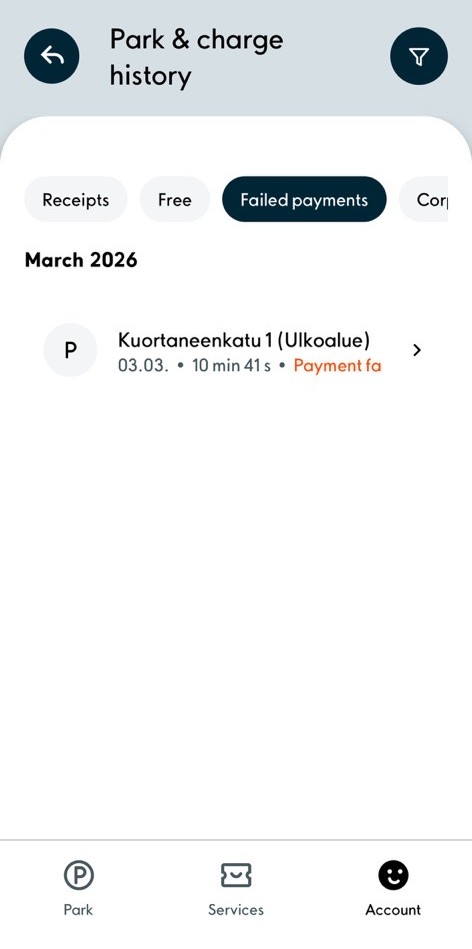
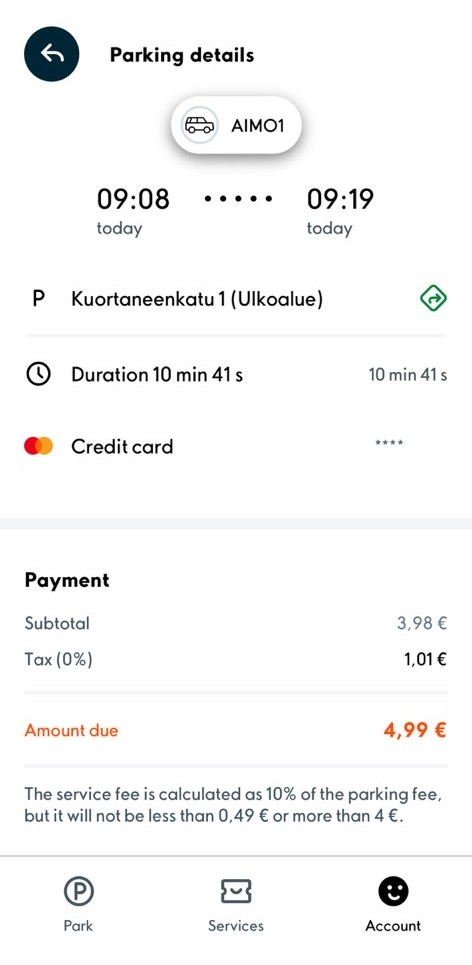
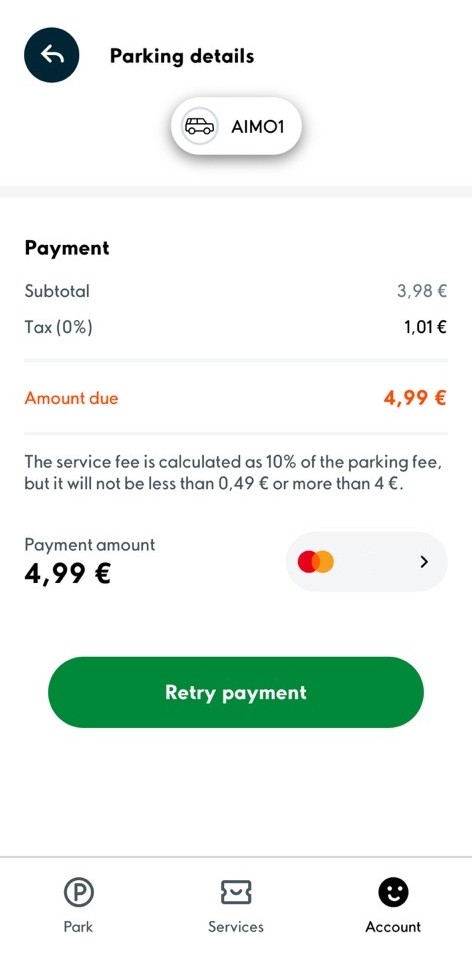
2. Choose the parking transaction and scroll the window down. Click the ”Retry payment” button.
Should you wish to use another payment card for the parking transaction, click the payment card icon.
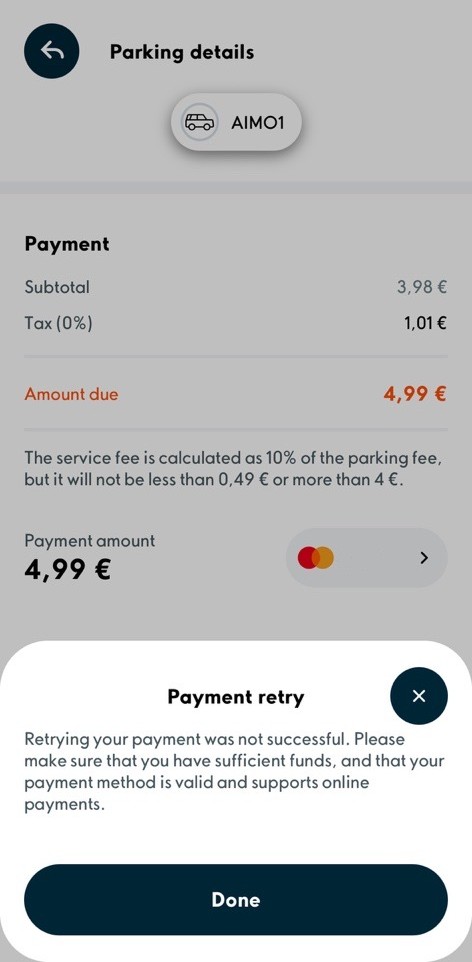
3. Should the application notify you that the payment’s retry has failed, restart the application. When reopening the application, the app main screen displays a notification of the payment’s state.
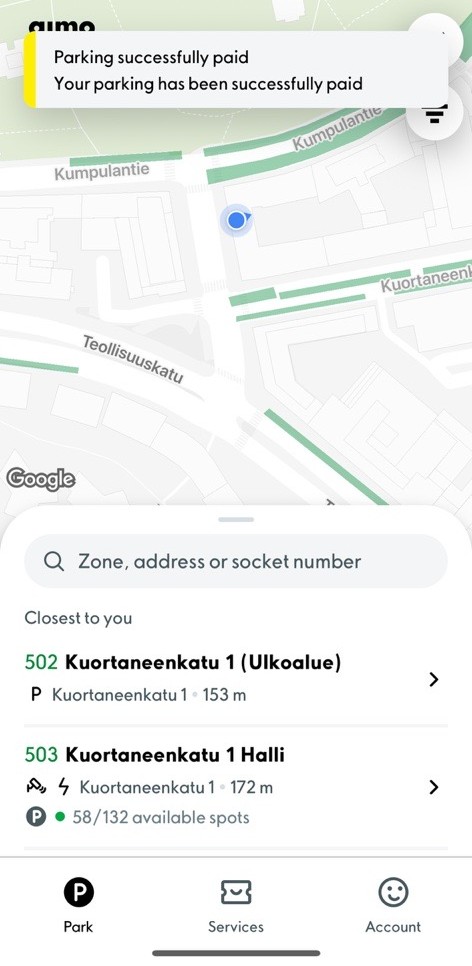
4. You will receive a receipt concerning successful payment to your email. You can also fetch a receipt from the app Account > Parking & Charging > Receipts
Was this article helpful?
That’s Great!
Thank you for your feedback
Sorry! We couldn't be helpful
Thank you for your feedback
Feedback sent
We appreciate your effort and will try to fix the article